

Digital technology for technical education
From knowledge.
To practice.
Explore the machine. Prepare for hands-on work.
Teaching takes on a new dimension.
DIDATEC CAMPUS connects your equipment, your teaching resources and your learners’ work. In the classroom, in the workshop and at home.
A DIDATEC platform
Understand. Experiment. Share.
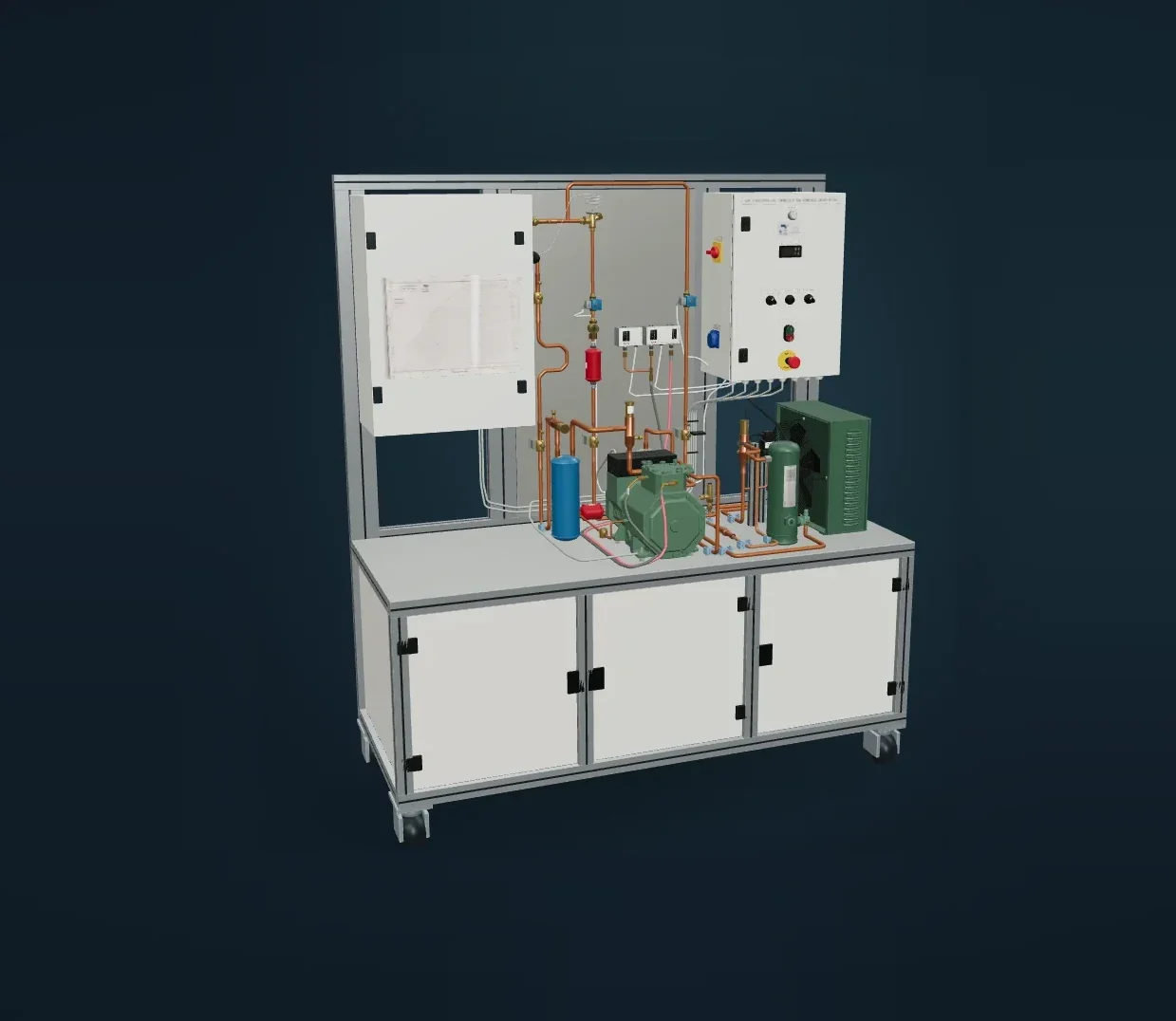
The Digital Lab · HFF300
Technology from a new angle.
A common thread.
Throughout the learning process.
Before the workshop
Prepare and understand
During the session
Observe and experiment
After practice
Review and progress
Learning through experience
See to understand.
Try to learn.
Make phenomena visible, explore components and link observations to technical reasoning.
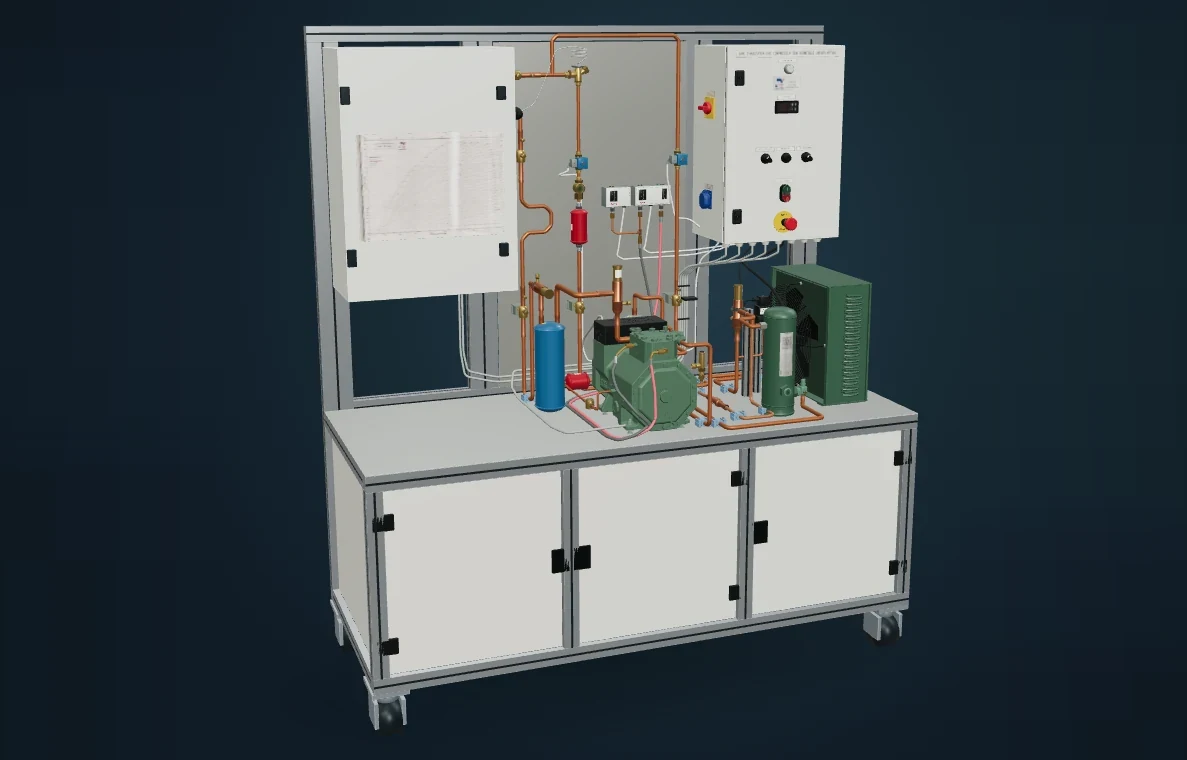
01 · Digital Labs
Get to the heart of how it works.
A machine, its components, its phenomena: the Digital Labs show what is happening and help learners build their reasoning.
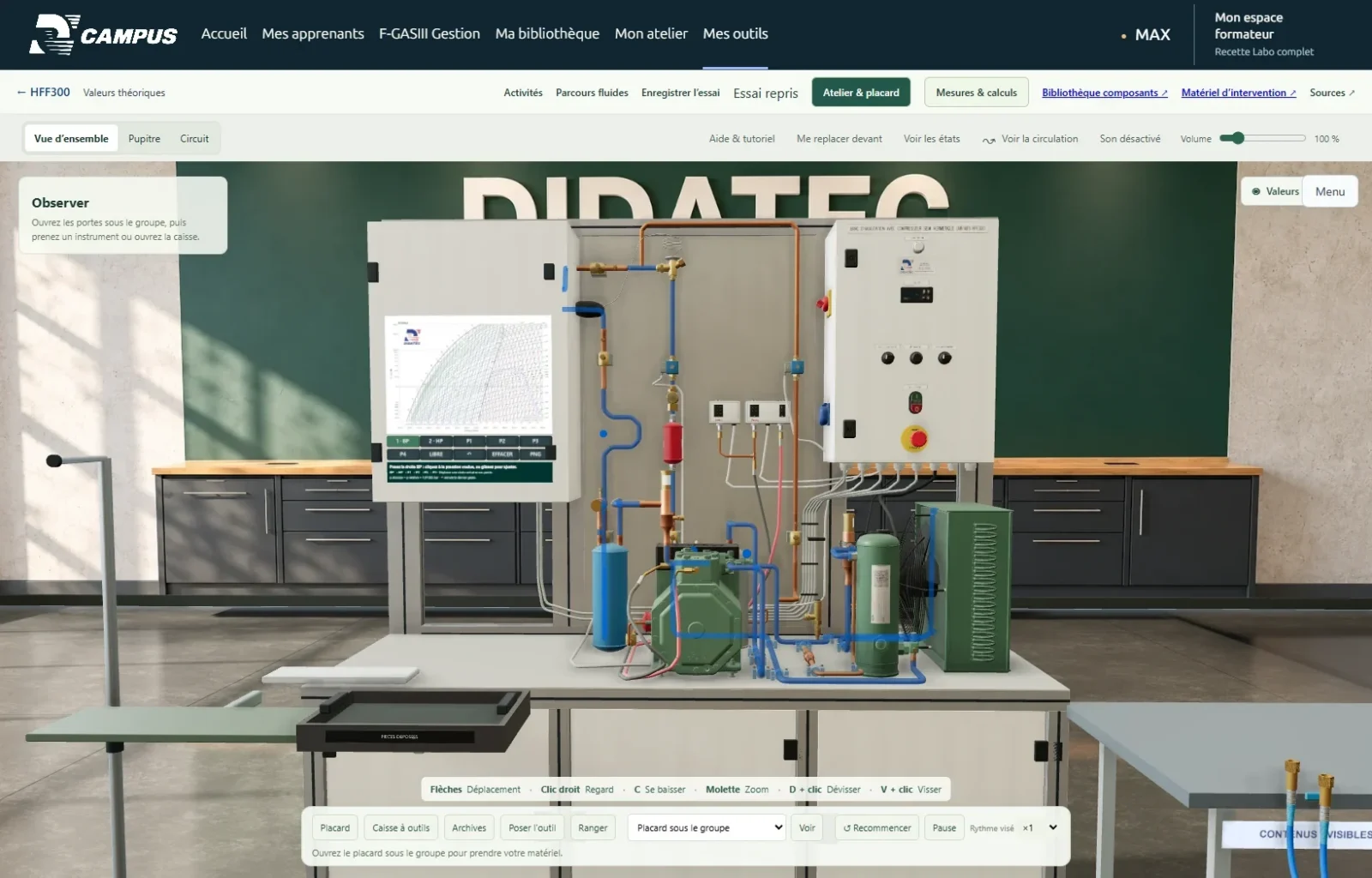
02 · Simulation Workshops
Take the controls. Build your analysis.
In a 3D workshop, learners operate the controls, use the instruments and observe the effects of their settings across a range of scenarios.
Illustrations: HFF300. Content varies depending on the machine and the package chosen. Simulation complements hands-on practice on real equipment.
Discover the world of CAMPUS
What if your next lesson
started here?
Experiences, use cases and everything CAMPUS can do are waiting for you on our dedicated website.
www.didatec-campus.com
CAMPUS COMPLET · Teaching in action
Your equipment.
Your ideas.
Their progress.
Turn an observation into an activity. With CAMPUS COMPLET, prepare your lesson sequences, hand out work and support each learner right through to feedback on their work.
MAX, the CAMPUS AI assistant
Help to explain, rephrase and prepare, based on the machine’s context and approved resources.
01 · Prepare
Shape your sessions.
Create practical exercises, quizzes and activities linked to your learning objectives. Find everything you have created in the library.
02 · Hand out
The right work for the right learners.
Organise groups, assign activities and make resources available according to the access you have opened.
03 · Support
Feedback that helps learners move forward.
Review submitted work, mark it, share your feedback and track individual or group progress.
Tools available depending on user rights, activated machines and the terms of the package.